The Best 10 Video Editing Software for 2024
If you are new to video editing or have just started a career in it and are feeling confused about which software to use, you are not alone. Many people begin creating YouTube videos but struggle when it comes to editing them.
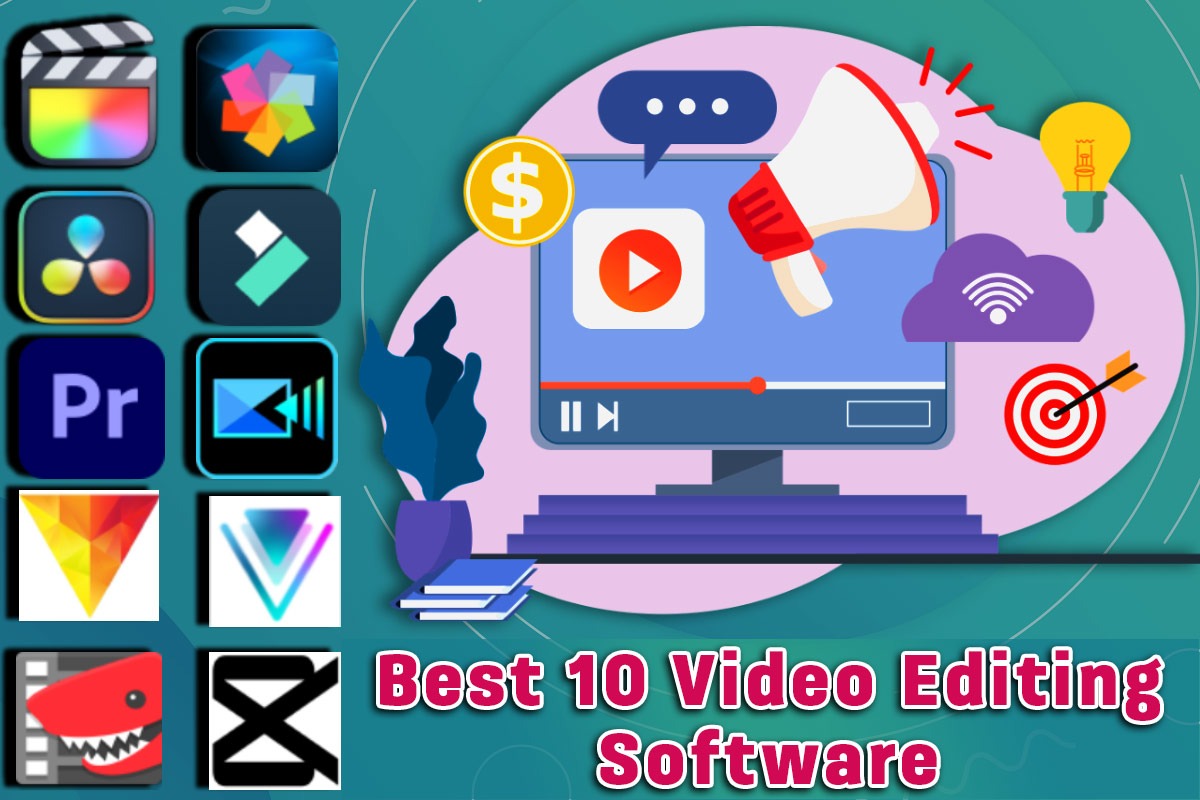
There are many video editing software options available on the market, both free and paid. However, we will focus on the paid versions, as free software often limits your capabilities. Many free softwares add their watermark to your videos or restrict access to full features, which can negatively affect the quality of your work. Here's a list of the top 10 paid video editing software for 2024, perfect for anyone looking to enhance their video content."
1. Adobe Premiere Pro
- Best for: Professionals and serious content creators.
- Why it's great: Adobe Premiere Pro is known for its robust features and compatibility with other Adobe products. It's great for editing anything from YouTube videos to movies. The software supports various video formats and offers advanced tools for color correction, audio editing, and graphics.
- Price: ?733.96/month incl. GST
2. Final Cut Pro
- Best for: Mac users who want professional results.
- Why it's great: Exclusively for macOS, Final Cut Pro is known for its high-performance editing capabilities. It's user-friendly and offers innovative tools for organization and editing. The software's Magnetic Timeline feature makes it easy to manage complex projects.
- Price: Final Cut Pro provides a 90-day free trial that allows users to test its features before committing to a purchase. The full license is available for ?25048.
3. DaVinci Resolve
- Best for: Color correction and audio post-production.
- Why it's great: DaVinci Resolve goes beyond simple video cutting to provide high-quality color correction and audio mastering. It's a favorite among filmmakers for its detailed control and professional results. Best of all, there's a powerful free version available.
- Price: Basic Version (Free) and Premium Version (?37900).
4. HitFilm Express
- Best for: Beginners and semi-pros who like visual effects.
- Why it's great: HitFilm Express is perfect for creating eye-catching effects without spending money. It has both basic and advanced features, making it suitable for a range of projects. The software also offers tutorials to help new users get started.
- Price: Basic Version (?1272) and Premium Version (?1958).
5. Corel VideoStudio
- Best for: Beginners and home users.
- Why it's great: Corel VideoStudio is easy to learn and packed with fun features like motion tracking and stop motion animation. It’s affordable and offers a range of creative effects and templates to help personalize your videos.
- Price: Basic Version (?6,470) and Premium Version (??8,100).
6. CyberLink PowerDirector
- Best for: All levels of expertise looking for powerful features.
- Why it's great: Known for its speed and efficiency, CyberLink PowerDirector offers a wealth of features in an intuitive interface. It includes professional-grade tools that are accessible even to novices.
- Price: Basic Version (? 4,269) and Premium Version (? 7,799).
7. Pinnacle Studio
- Best for: Intermediate to advanced users seeking detailed control.
- Why it's great: Pinnacle Studio provides more precise editing controls than many other consumer-grade software. It supports multi-camera editing and has a wide range of effects, making it great for detailed project editing.
- Price: ?7430
8. Lightworks
- Best for: Professionals and those needing quick output.
- Why it's great: Lightworks has been used in major film production for decades and offers powerful editing tools. It's known for its robustness and speed, supporting a quick workflow which is ideal for tight deadlines.
- Price: Basic Version (? 834) and Premium Version (? 1920).
9. CapCut
-Best for: Social media enthusiasts and mobile users.
-Why it's great: CapCut is a free, mobile-first video editing app that’s perfect for quick edits on the go. It's particularly favored by TikTok users because of its simplicity and the variety of features it offers. You can trim and adjust videos, apply filters, add music, and use overlays with just a few taps. The app also includes advanced features like keyframe animation and allows you to export videos in high quality without watermarks, which is a big plus for a free app.
- Price: ?850/month
10. Filmora
- Best for: Beginners and intermediate users who want simplicity.
- Why it's great: Filmora is designed for those who want to produce high-quality videos without a steep learning curve. It provides a smooth drag-and-drop interface with plenty of built-in effects, titles, and music.
- Price: ?4174/yearly
Editing is not just for beginners; it's about making content for a large audience, and there's a chance they might not like your editing style. But don't worry! At DigiMediaMinds, we have a team of skilled editors who can create top-notch shorts and full videos for you. If you're interested, you can contact us.
Each of these software options brings something unique to the table, whether you’re a professional looking to fine-tune every detail or a beginner hoping to quickly put together fun videos. As video content continues to dominate in 2024, choosing the right editing software is more important than ever. Find the one that best suits your needs and start creating!
.jpeg)